← Guides and reviews / Home
Buying guide / Home
Smart Light Switches and Outdoor Smart Plugs: A Weekend Upgrade Guide
Smart switches vs smart bulbs, the neutral wire check, 3-way basics, IP ratings and GFCI outlets, plus four picks from meross, Lutron Caseta and Kasa for halls, stairs and patios.
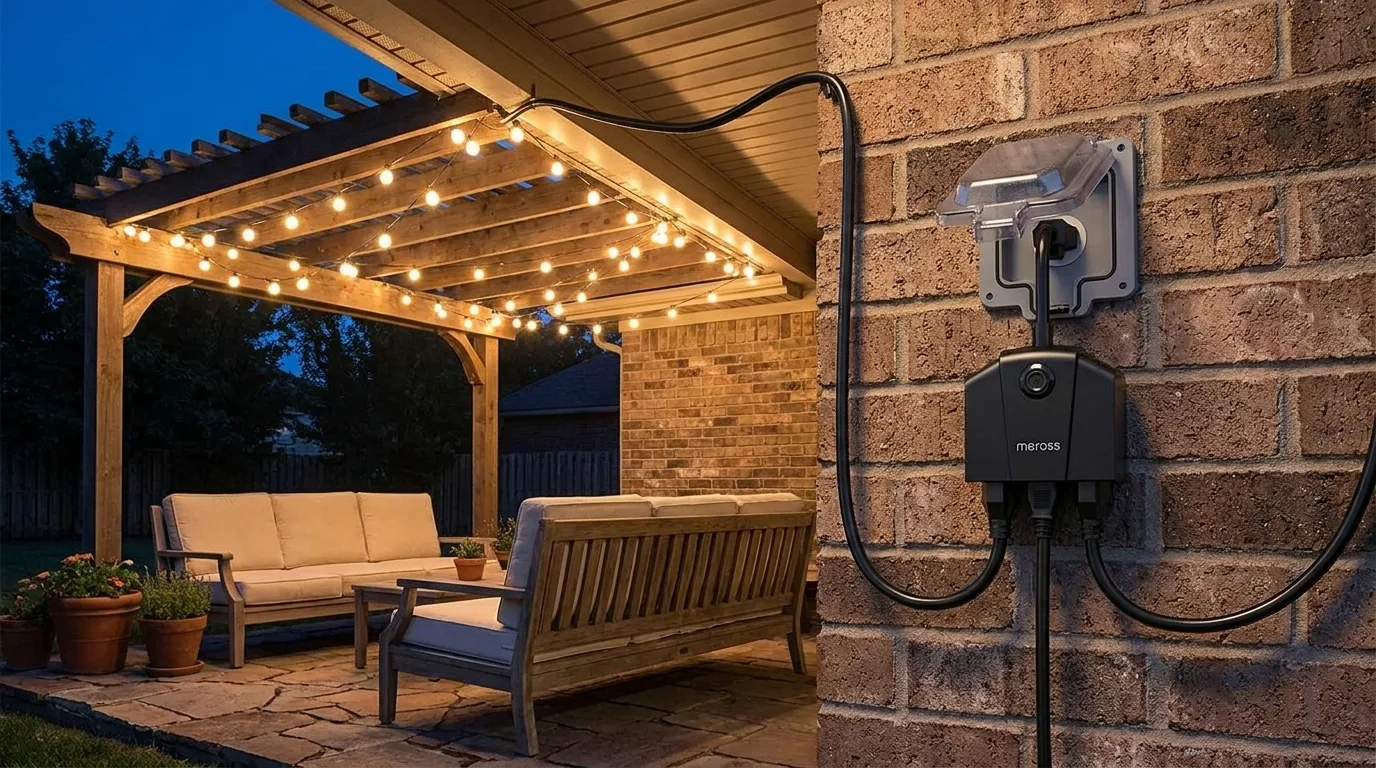
Two of the most satisfying smart home upgrades are also two of the least glamorous: a wall switch that runs on a schedule, and an outdoor plug that turns the patio lights on at sunset without anyone remembering to do it. Both fit in a weekend. One of them involves your home’s wiring, though, so it is worth knowing what you are getting into before you buy.
This guide is for homeowners who want reliable, automated lighting (and for anyone tired of string lights that stay on until 2 a.m.). It is a researched guide built from manufacturer specs, the Amazon listings and published reviews, not a hands-on test. What actually matters: whether your switch box has a neutral wire, whether the circuit is single-pole or 3-way, which voice assistant you use, and for outdoor plugs, how weather-resistant they are and where you plug them in.
Safety first. Before you touch any switch wiring, turn off the breaker for that circuit and confirm the power is off with a non-contact voltage tester. Follow your local electrical code, and if anything in the box looks unfamiliar (aluminum wiring, no ground, more wires than the diagram shows), stop and hire a licensed electrician. A smart switch is a reasonable DIY job for many people, but not for everyone and not for every box.
Quick picks
- Best for houses with neutral wires and several switches to convert: meross MSS550 3-way/single-pole switch, 4-pack.
- Best for older homes without a neutral wire: Lutron Caseta Smart Dimmer Starter Kit.
- Best outdoor plug for Apple Home and holiday lights: meross MSS630 outdoor plug (3 sockets).
- Best outdoor plug for Alexa and Google households: Kasa EP40 (2 sockets, IP64).
Smart switch or smart bulb?
Smart bulbs are the easy start: screw one in, pair it, done. Their weakness, as BGR points out, is the wall switch. When someone flips it off, the bulb loses power, drops off the network, and every schedule and voice command stops working until the switch goes back on. A smart switch fixes that because it controls the circuit itself and stays connected, and one switch can run every ordinary bulb on that fixture. The tradeoff is installation, plus most smart switches only do on/off or dimming, not color.
A practical rule: switches for hallways, stairs, kitchens and anywhere other people use the wall switch; bulbs for lamps, bedrooms and color effects. Renters should generally stick with bulbs and plugs.
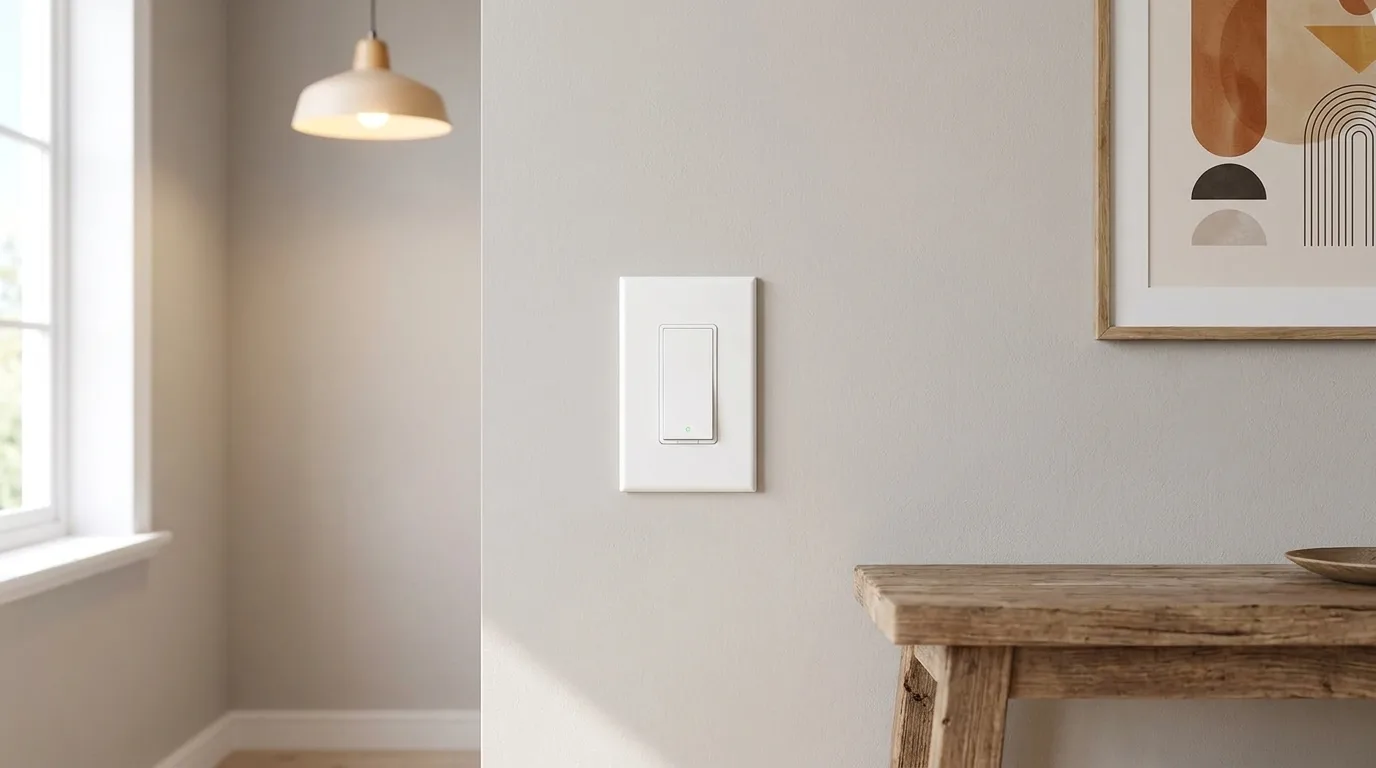 Illustration generated by Shop Llama for this guide. See the Amazon listing for actual product photos.
meross MSS550 3-Way Smart Switch (4-pack)
This listing is a 4-pack of meross’s MSS550 Decora-style Wi-Fi switch. It is an on/off switch, not a dimmer, and it requires a neutral wire. meross says the same switch handles both jobs: wired as a single-pole switch, or used in a 3-way circuit where you replace only one of the two existing switches and keep the other as-is. It fits standard Decora/GFCI wall plates, needs no hub, and connects over 2.4GHz Wi-Fi only (5GHz networks are not supported).
Compatibility is the headline: the HomeKit version works with Apple Home, Siri and Apple Watch, plus Alexa and Google Assistant, with schedules, timers and sunrise/sunset triggers in the meross app. Neither meross’s product page nor the Amazon listing claims Matter support for this switch, so treat it as a Wi-Fi/HomeKit device rather than a Matter one.
We did not find an in-depth independent review of this exact switch, so the spec sheet is most of the story here. The 4-pack format suits people converting a hallway, a staircase and a couple of rooms at once.
Who should pick it: owners of homes with neutral wires in the switch boxes who want Apple Home support and several switches done in one go.
The caveat: no neutral, no install, and no dimming. Read the wiring diagram for your circuit carefully. Check the current price on Amazon.
Lutron Caseta Smart Dimmer Starter Kit
The kit (model P-BDG-PKG1W) bundles a Caseta smart dimmer, the Caseta Smart Hub and a Pico wireless remote. The reason it is here: Lutron’s support documentation says the PD-6WCL in-wall dimmer needs no neutral wire, which makes Caseta the usual answer for older homes. Lutron notes that US houses built from the mid-1980s typically have a neutral in the switch box; older ones often do not. The dimmer handles up to 150W of dimmable LEDs or 600W of incandescent/halogen, and has no wiring polarity to get wrong.
Caseta does not run on Wi-Fi. The hub talks to the switches over Lutron’s own radio (Clear Connect), then links to Alexa, Apple Home, Google Home, Ring, Sonos and others. For a 3-way spot, mount a Pico remote at the other end of the room or stairs as a second “switch” with no new wiring.
Consumer Reports’ reviewer called Caseta the most reliable devices in his smart home after more than four years, while noting they cost more than rivals from TP-Link, Leviton or Aqara. Smart Home Explorer highlights the broad bulb compatibility and lack of a minimum load, and lists the required hub and higher per-switch cost as the downsides.
Who should pick it: anyone whose switch box has no neutral wire, or who wants dimming and rock-solid reliability more than the lowest cost.
The caveat: you need the hub (included here), and adding switches later is pricier than Wi-Fi options. Check the current price on Amazon.
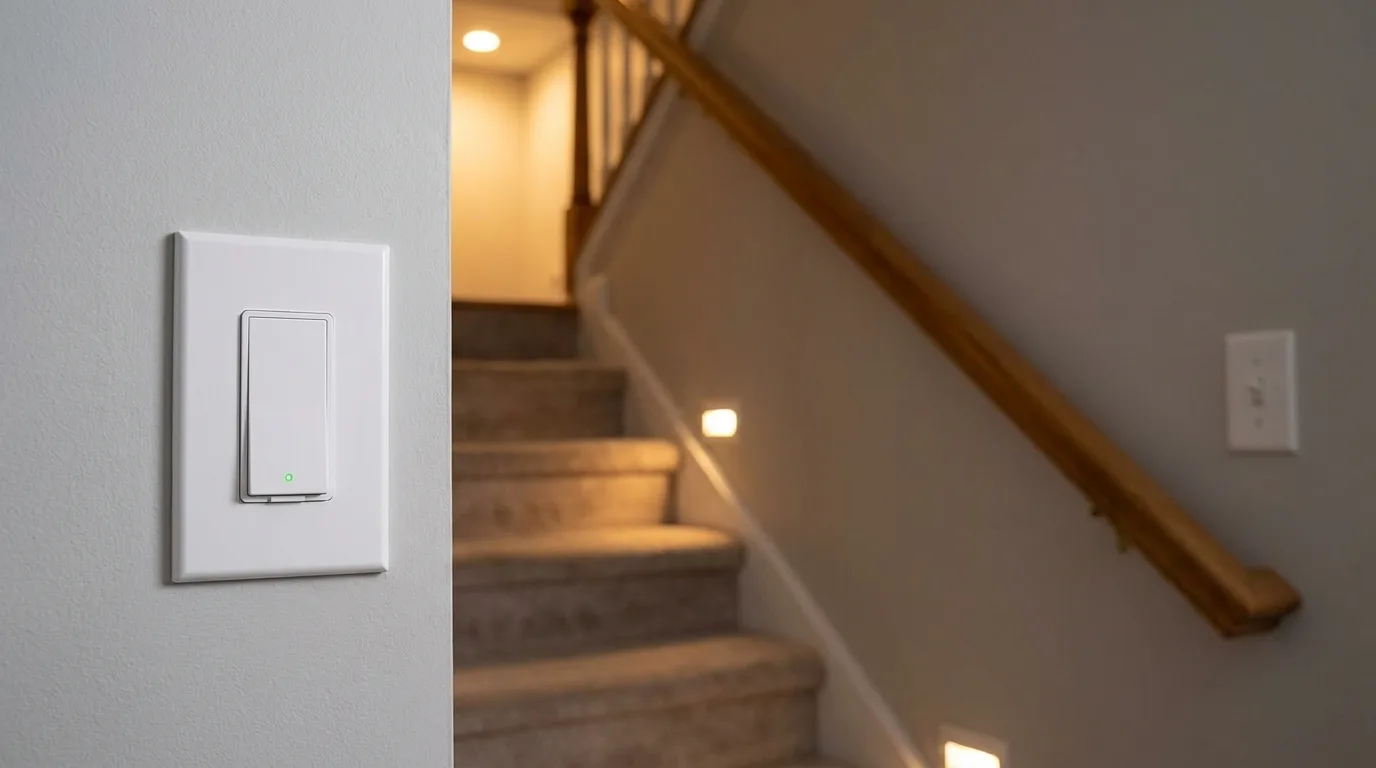 Illustration generated by Shop Llama for this guide. See the Amazon listing for actual product photos.
meross MSS630 Outdoor Smart Plug (3 sockets)
The MSS630 is a weather-resistant plug with three outlets that you control independently, so the porch lights, the tree lights and a fountain can each keep their own schedule. The listing rates it IP44, uses 2.4GHz Wi-Fi, and lists HomeKit, Alexa, Google Assistant and SmartThings compatibility, with sunrise and sunset scheduling. For Apple Home control away from the house, meross notes you need a home hub such as a HomePod or Apple TV.
iMore reviewed meross’s earlier two-outlet outdoor plug and called it the best outdoor option for HomeKit at the time, praising quick response and noting that HomeKit control works without the meross app. Its complaints (outlets close together, a recessed design that some plug ends may not fit, and no energy monitoring) are worth keeping in mind for this three-socket successor too. Matter is not claimed on the listing.
Who should pick it: Apple Home users, and anyone running more than two outdoor loads from one outlet.
The caveat: IP44 means splash resistance, not waterproofing; mount it under an eave or covered outlet. Check the current price on Amazon.
Illustration generated by Shop Llama for this guide. See the Amazon listing for actual product photos.
Kasa EP40 Outdoor Smart Plug (2 sockets)
TP-Link’s Kasa EP40 is the alternative for Alexa and Google homes. It has two independently controlled outlets, an IP64 rating, 15A (1,875W) total across both outlets, and a built-in amplifier Kasa rates for up to 300 feet of Wi-Fi range in open areas, on 2.4GHz only. Kasa lists an operating range of -4 to 122 degrees F, and its spec page states the plug must go into a GFCI receptacle outdoors or in wet locations.
Android Police called it sturdy and reliable, easy to set up, and a good value for a two-outlet plug. Its criticisms: no HomeKit or Siri support and no power-usage reporting. Apple households should look at the separate EP40A version, which adds HomeKit.
Who should pick it: Alexa or Google users who want a dependable plug with a strong Wi-Fi radio for a far corner of the yard.
The caveat: this EP40 has no Apple Home support. Check the current price on Amazon.
How to choose
1. Do the neutral wire check. With the breaker off, remove the wall plate and look for a white (neutral) wire in the box alongside the black hot wire and the bare copper ground; Smart Home Explorer walks through the same check and notes that homes built before the 1990s often lack one. No white wire, or not sure what you are looking at? Plan on a no-neutral option like Caseta, or have an electrician confirm.
2. Know if it is a 3-way circuit. A 3-way setup controls one light from two switches (top and bottom of the stairs, two hallway entrances). The old switches have a third, darker “common” screw and two travelers run between boxes. Smart options either replace one switch and keep the other (meross) or use a wireless remote as the second switch (Caseta’s Pico). Label every wire before you disconnect anything, and if the diagram does not match your box, stop.
3. Check your Wi-Fi. Most Wi-Fi smart switches and plugs, including both meross picks and the Kasa EP40, only join 2.4GHz networks. Make sure your router broadcasts 2.4GHz and that the signal reaches the patio.
4. Match your ecosystem. Apple Home users should buy HomeKit-listed versions (meross MSS550 and MSS630, Caseta via its hub, or the Kasa EP40A). Alexa and Google work with all four. Matter is not claimed for any of these particular models, so do not buy them expecting Matter today.
5. Outdoor ratings and GFCI. In an IP code the second digit is water protection. IP44 and IP64 share the same “4”, splash resistance from any direction; the “6” means better dust protection. Neither is meant to sit in puddles. Plug into a GFCI-protected outlet with an in-use (bubble) cover so the connection stays covered while cords are plugged in.
6. Think about the job. Holiday lights and patio strings are the sweet spot: set a sunset-on, bedtime-off schedule and forget it. Check each plug’s load rating against what you plug in.
The bottom line
If your boxes have neutral wires and you want Apple Home, the meross MSS550 4-pack converts several switches at once. If they do not, the Lutron Caseta kit is the safe, proven route. Outside, the three-socket meross MSS630 suits HomeKit homes and busy outlets, while the Kasa EP40 is the pick for Alexa and Google users. Turn off the breaker, follow local code, call a licensed electrician if you are unsure, and check the current price on Amazon for each. For more ideas, browse our tech picks, home and kitchen finds or the Shop Llama blog.
The products
meross Smart Wi-Fi Switch MSS550, 3-Way/Single-Pole, HomeKit (4-pack, neutral wire required)
Check price on Amazon →As an Amazon Associate I earn from qualifying purchases.
Lutron Caseta Smart Dimmer Starter Kit P-BDG-PKG1W (dimmer, Smart Hub, Pico remote)
Check price on Amazon →As an Amazon Associate I earn from qualifying purchases.
meross Outdoor Smart Plug MSS630, 3 Independent Sockets, HomeKit
Check price on Amazon →As an Amazon Associate I earn from qualifying purchases.
Kasa Outdoor Smart Plug EP40, 2 Sockets, IP64
Check price on Amazon →As an Amazon Associate I earn from qualifying purchases.
Amazon prices change often, so we do not list them here. Each button opens the current Amazon listing.
Sources
- meross: 3 Way Smart Light Switch, MSS550HK (US/CA Version)
- Lutron Support: Caseta Wireless In-Wall Dimmers
- Consumer Reports: Lutron Caseta Smart Switch Review
- Smart Home Explorer: Best No-Neutral Smart Light Switches
- iMore: Meross Outdoor Smart WiFi Plug Review
- Kasa (TP-Link): Kasa Smart Wi-Fi Outdoor Plug (EP40)
- Android Police: Kasa Outdoor Smart Plug (EP40) review
- BGR: Smart Switches Vs. Smart Bulbs: What's Better For Your Home?
Free weekly email
Get the Shop Llama Deal Drop
Fresh markdowns we spotted, straight to your inbox.
Fresh deals will land in your inbox soon.
Keep reading
Robot Vacuums for Pet Hair: A Buying Guide From Basic Bots to Self-Emptying Mop Combos
Five robot vacuums from eufy, Roborock and Shark compared for shedding pets: hair tangling, real pickup vs suction claims, self-empty bases, bags, poop avoidance and upkeep.
Read the guide → Buying guideTech Gifts People Actually Use: A Holiday Guide by Who's on Your List
Six well-reviewed tech gifts from Bose, Kindle, Apple, Anker, Echo and Aura, organized by recipient, plus the ecosystem, return and charger checks to make before you wrap.
Read the guide → Buying guideSmart Home Starter Guide: The First Six Devices to Buy and How to Make Them Work Together
A researched starter bundle from Amazon, Kasa, Philips Hue, Ring, Blink and Google Nest, plus Matter, Thread, 2.4GHz setup, camera subscriptions and privacy in plain English.
Read the guide → Buying guideOutdoor Pizza Ovens for the Backyard: A Buying Guide to Six Gas, Wood, Pellet and Electric Ovens
Six backyard pizza ovens from Ooni, Gozney, Solo Stove, Ninja and BIG HORN compared on fuel, 12 vs 16 inch size, heat-up time, stone temperature, weight and learning curve.
Read the guide →